APT Manager 1.0.0 - WhiskeyRiver
APTmgr (APT Manager) is a graphical
interface for the apt and dpkg packages on Debian based systems.
It is designed to duplicate the functionality and ease of use of
the Debian Synaptic package closely. It is not a clone of
Synaptic, but is supposed to be Synaptic-like in it's look and
feel.
APTmgr is a work in progress and is now in release. This is an
update to show where the software stands today. Below are current
screen shots of the completed dialogs and functions so far. I will
keep this page updated to reflect the changes. If you are
interested in beta testing APTmgr, please contact me at [email protected].
Source code is available, but be aware that APTmgr is written
entirely in object pascal. The source package comes with the
information needed to compile the source. If you have experience
in object pascal and wish to contribute to this project, please
contact me at the email above.
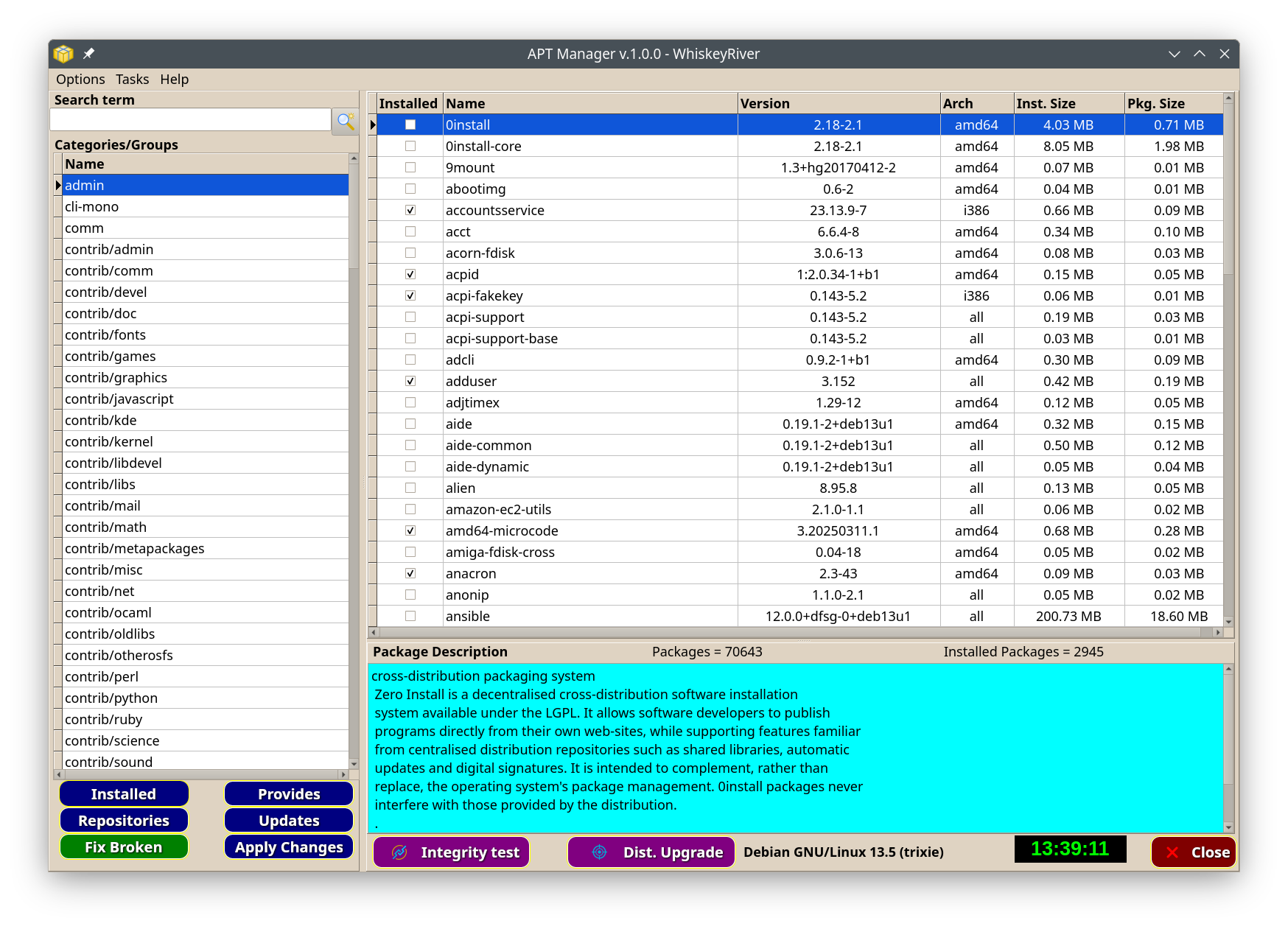
APTmgr is now in its initial release, and has now been packaged in
both binary .deb and source packages.
The main Missing Link
Software website no longer exists since my retirement. Going
to www.mlsoft.org just shows a humorous message now, and only
exists to serve files and some html pages like this.
The APTmgr binary and
source packages are available HERE
Login
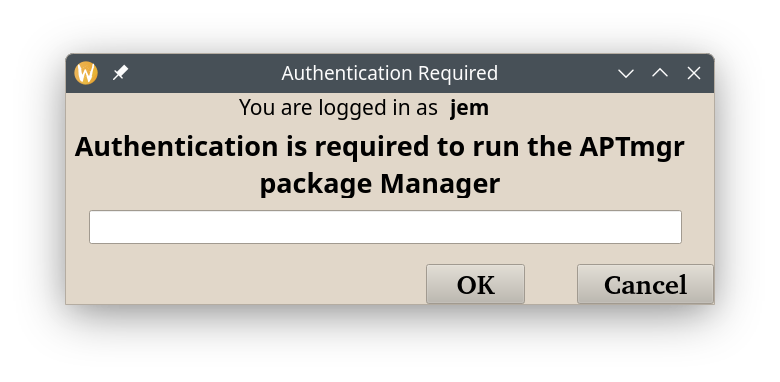
APTmgr requires a valid sudo user login. This is a 3 login chances
system before the program will halt. Clicking the Cancel button
will also halt the program. Authentication is only done when the
program opens. No login information is stored by APTmgr.
Configuration
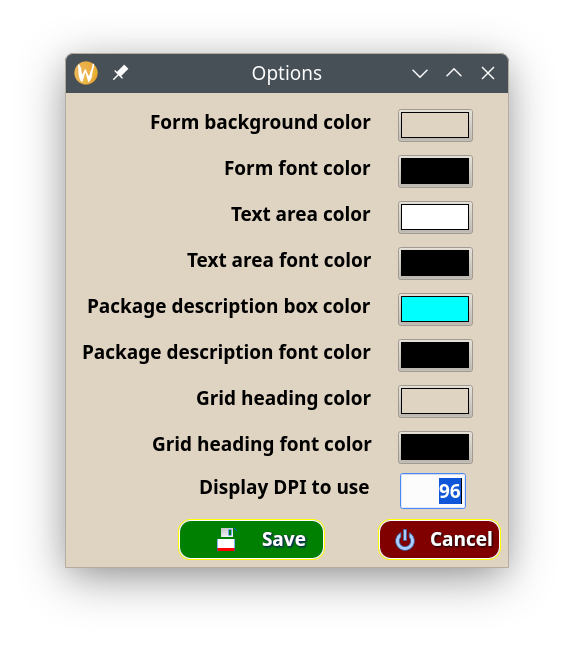
The user can change the looks of APTmgr to their liking. APTmgr
uses the QT 5 widget set for a better look and feel to the
components. The user can also choose between offline updates and
standard real time updates. If real time is chosen (unchecking the
Offline option), then a reboot notice is only shown if system
files are affected by the update.
Main screen display
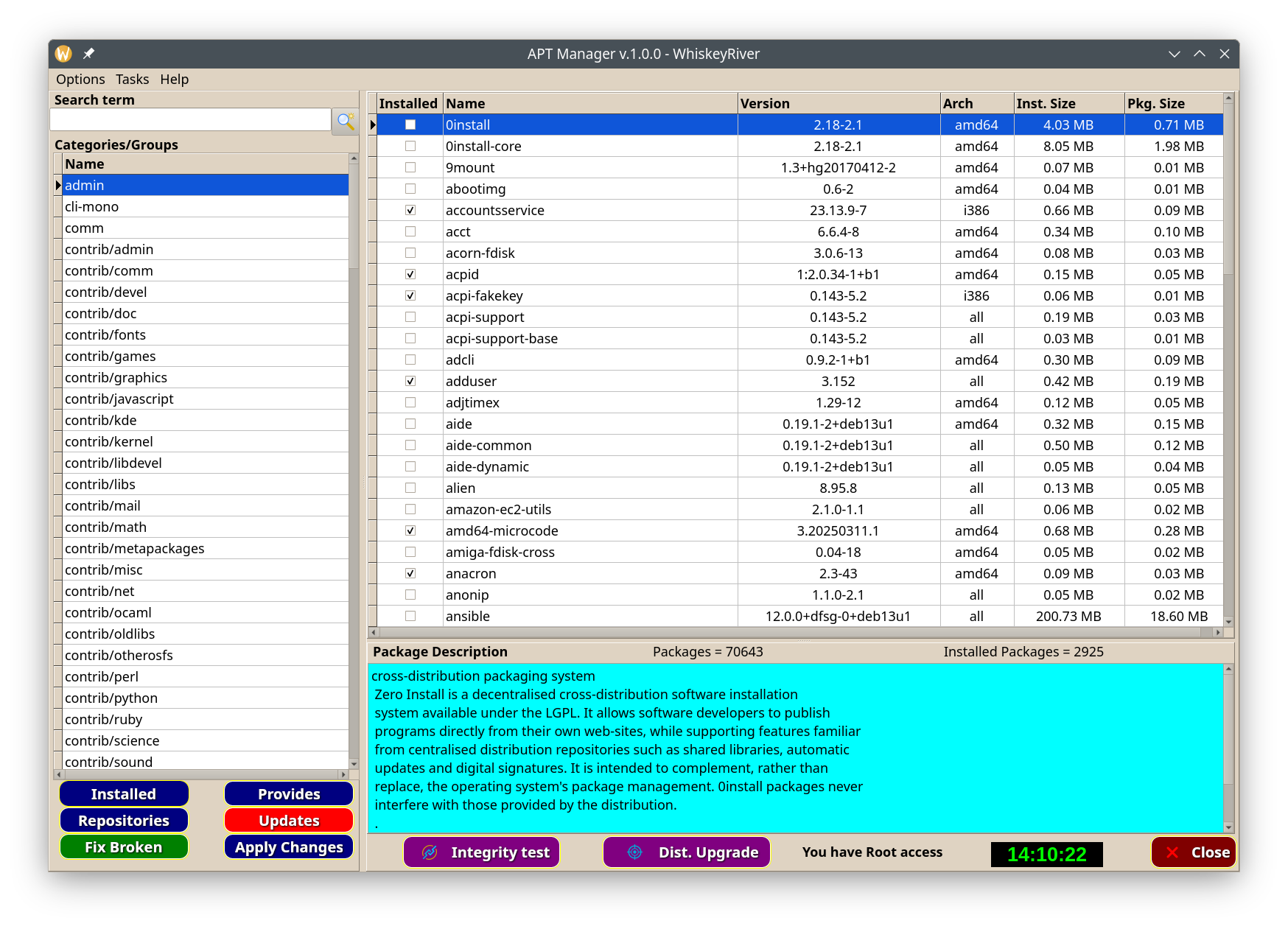
If updates are available, you will see a message
when APTmgr is run, and the Updates button will be red instead of
navy. This is the heart of APTmgr. In the left panel are the
groups/sections/categories that Debian uses. On the right are the
packages contained in the selected group in the left group panel.
The description of the selected package is in the light blue
description box. Each of these sections has it's own help section.
click inside the groups, packages, search, or beside a button, and
press the F1 key for help.
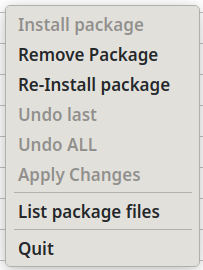
Package window popup menu
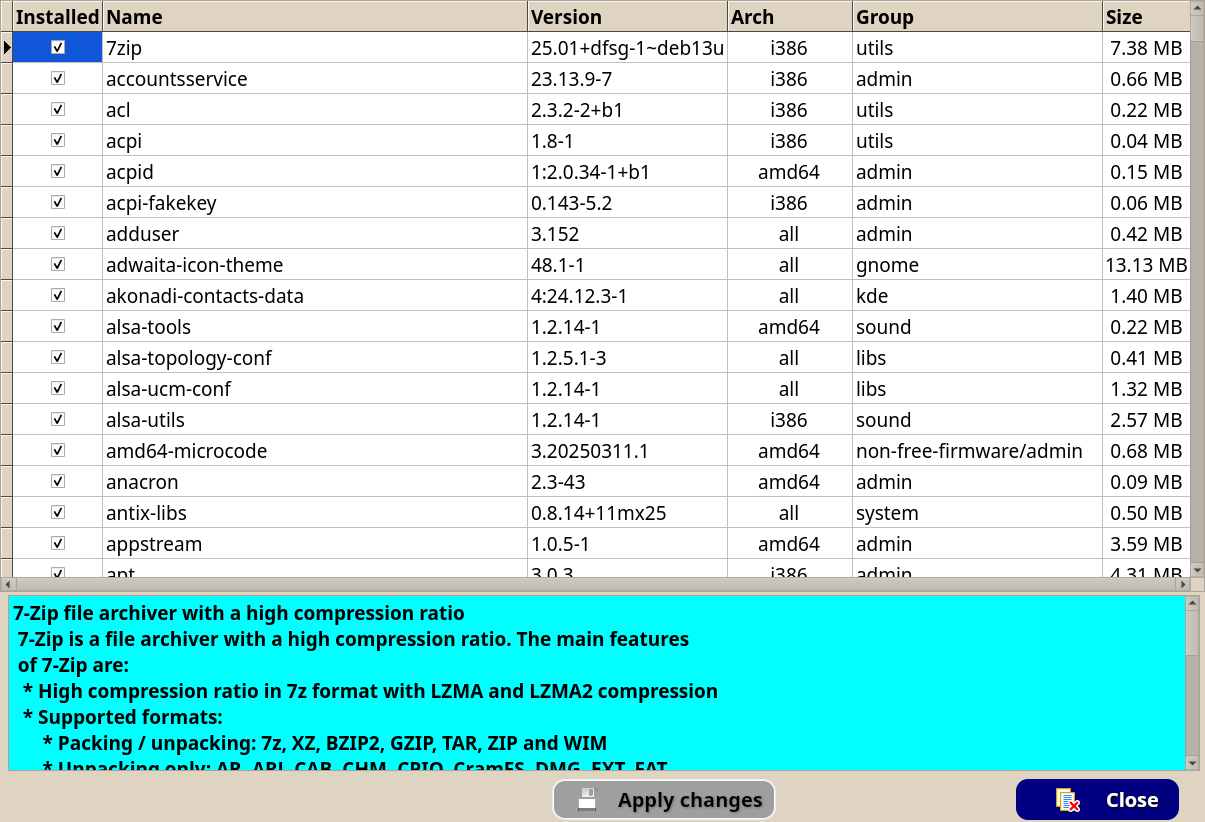
Installed Packages
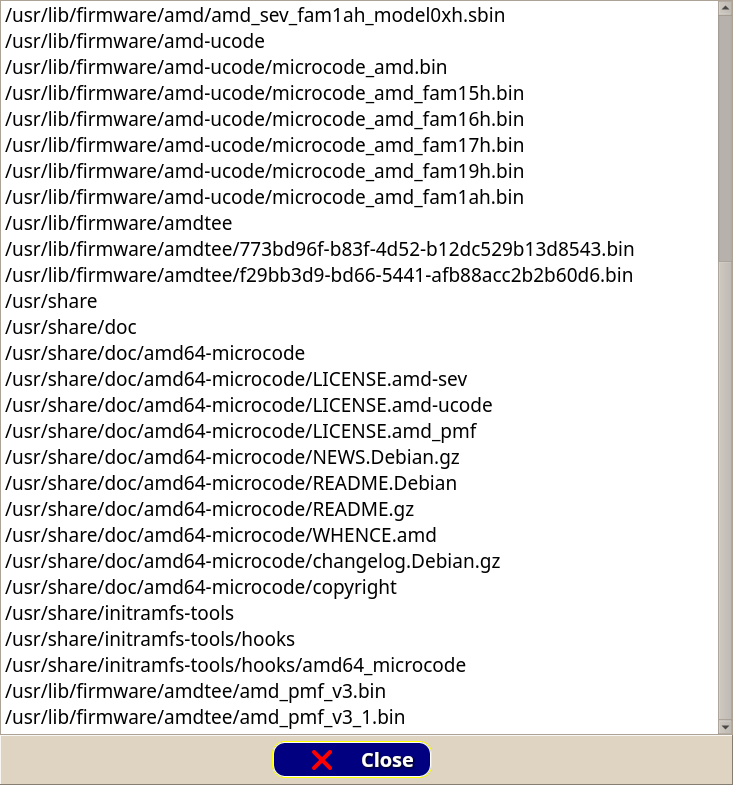
Package contents
Search results
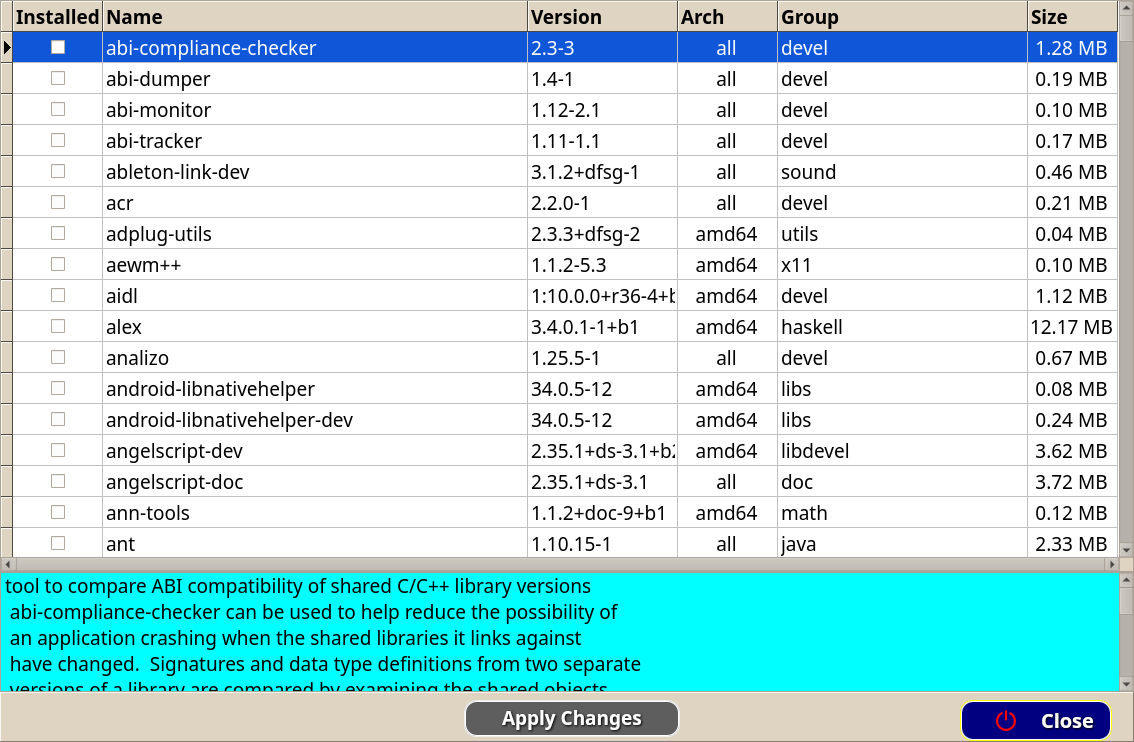
This is the result of a search for "c++"
Updates dialog
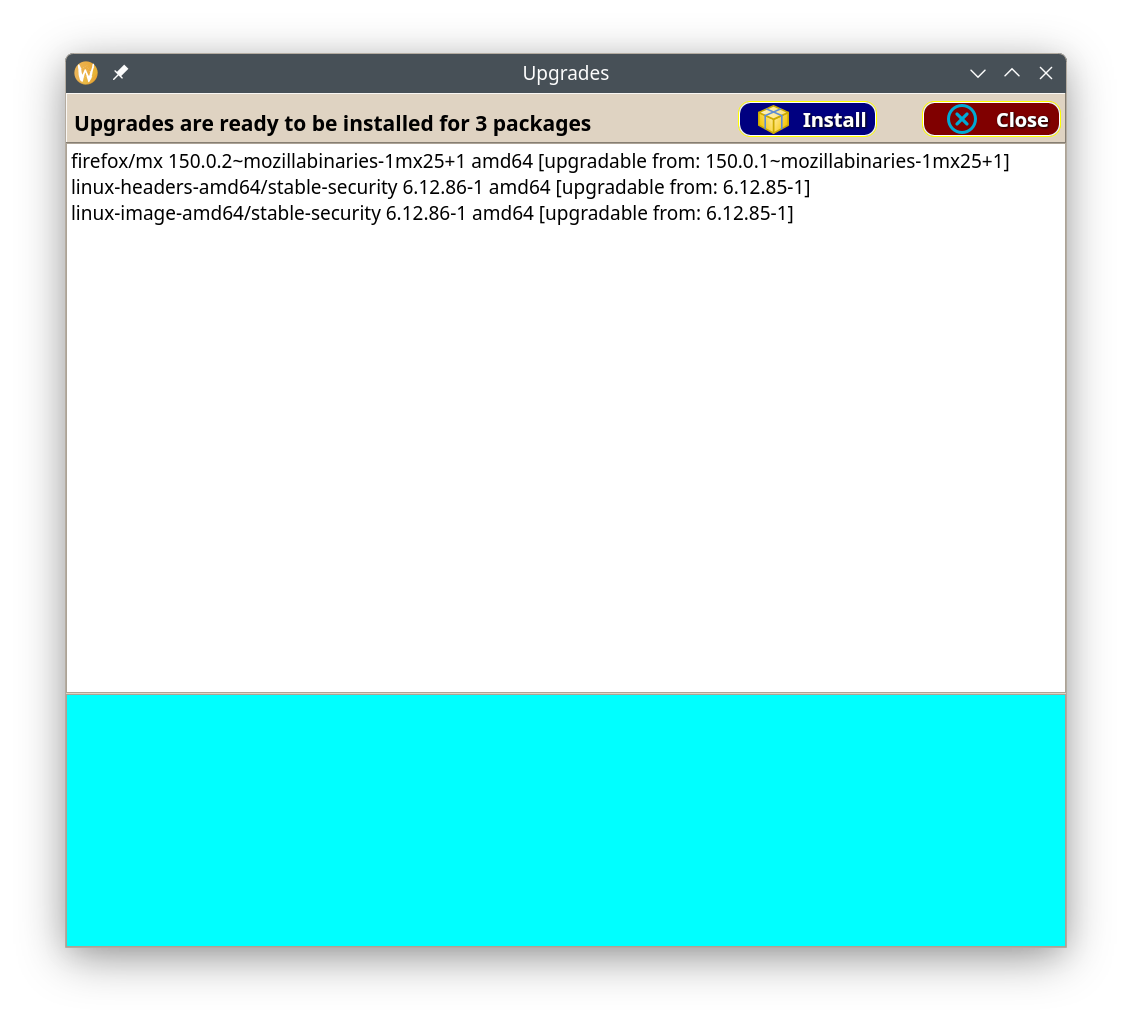
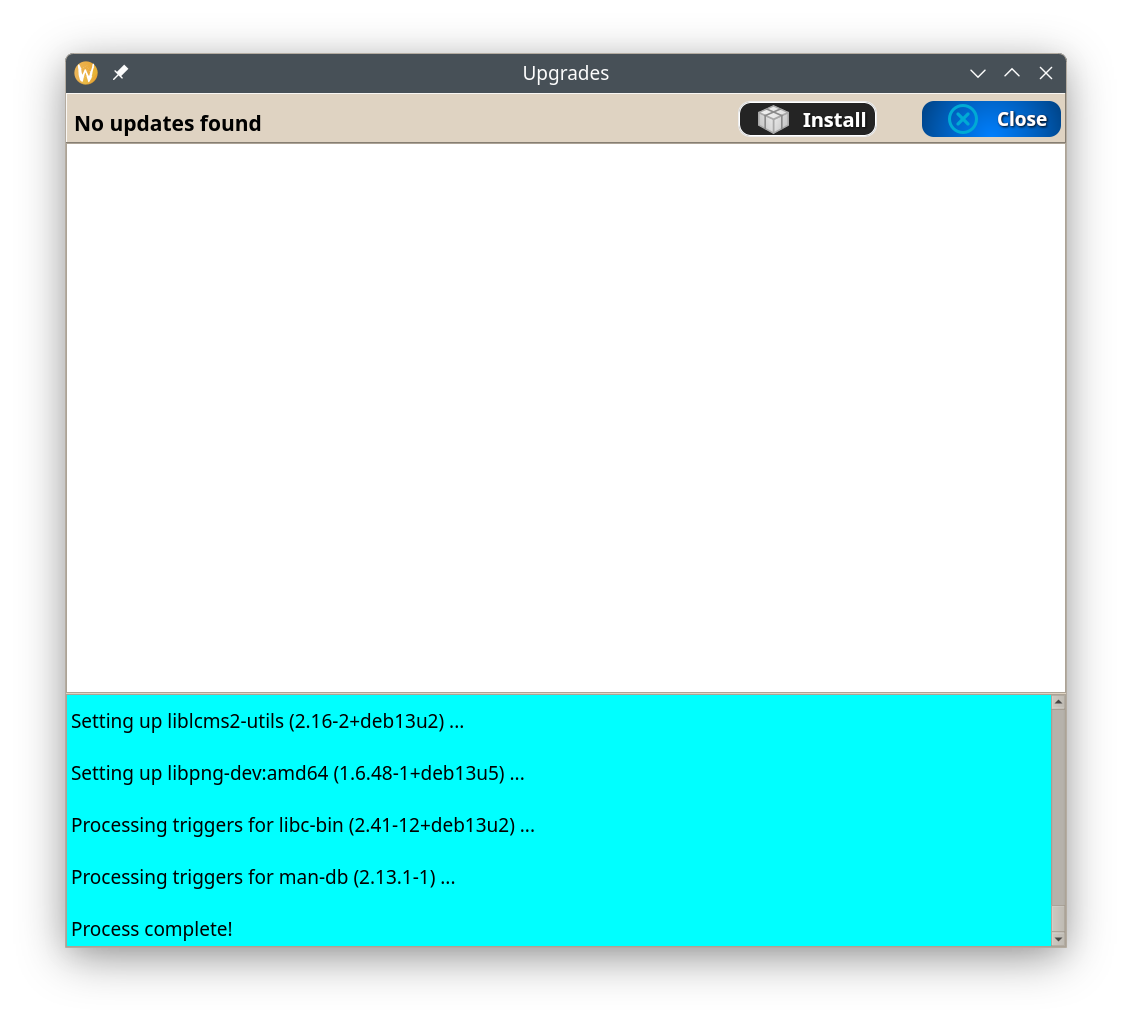
After Update
Manage Repositories
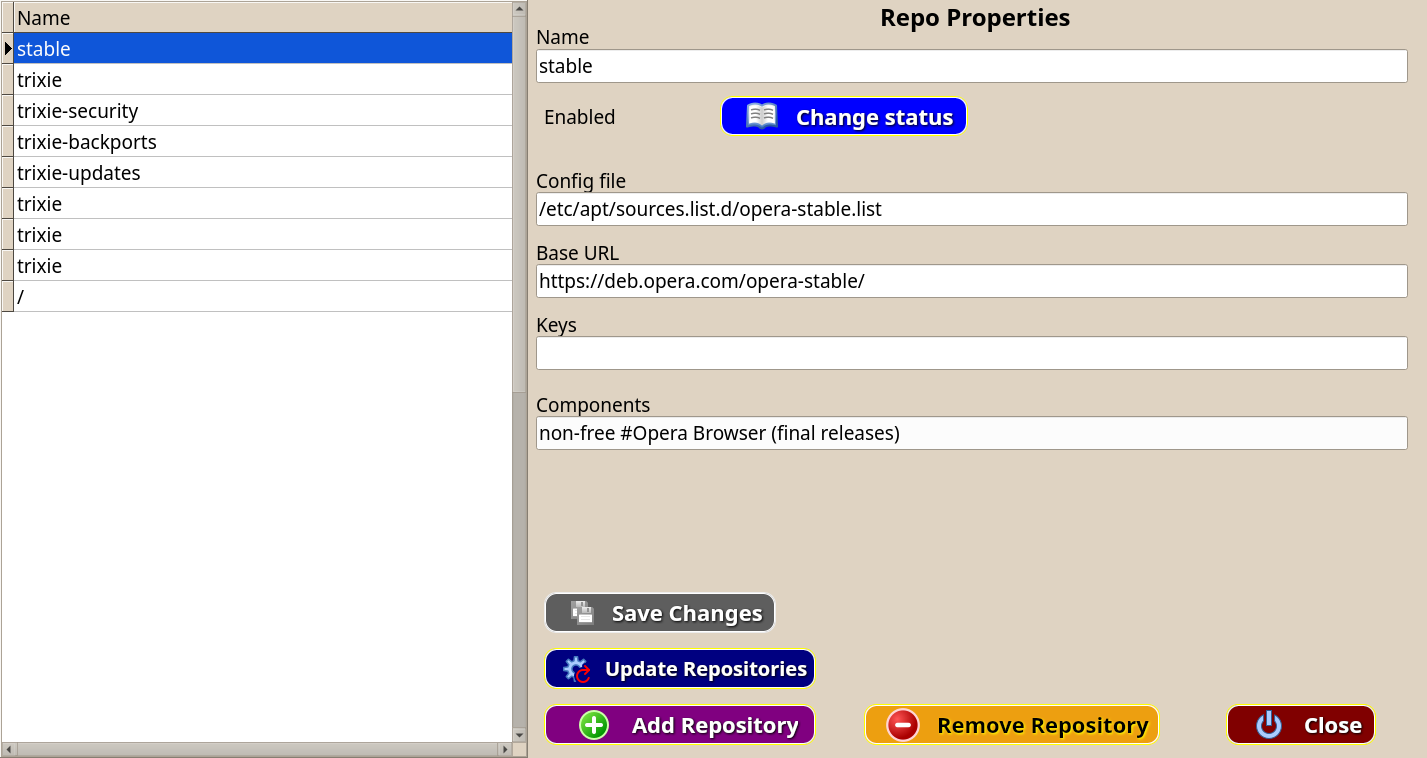
APTmgr can add, remove, enable, and disable repositories.
Selecting Actions
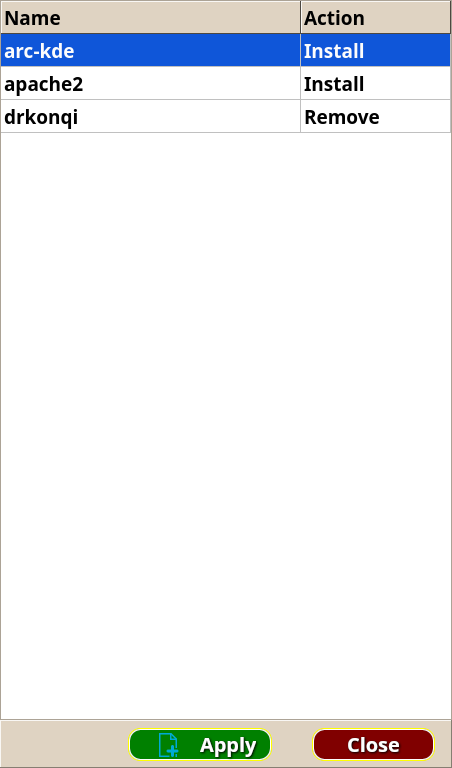
Marking packages for various actions (install, remove, or
reinstall)
Applying Actions
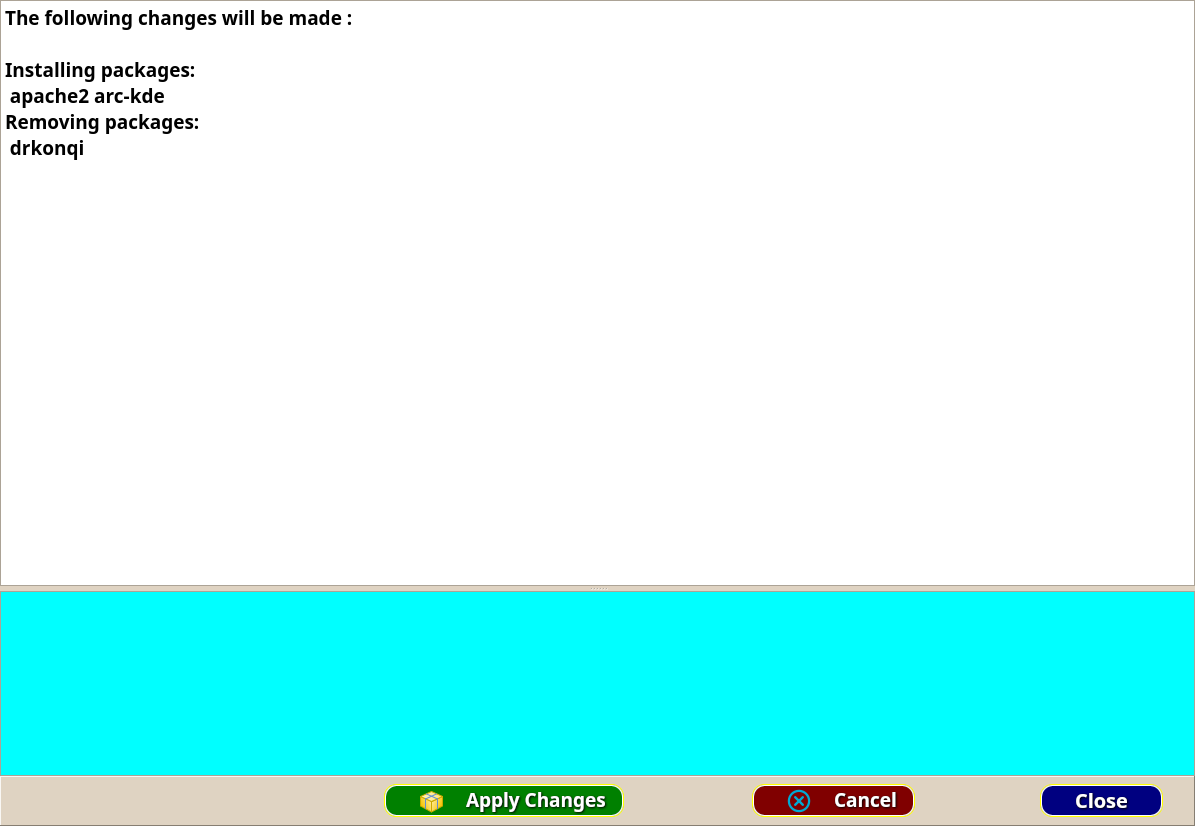
APTmgr uses a freeform style of marking and applying selected
changes so that installing, removing and reinstalling packages can
be done in one session.
APTmgr has a full help system built in and working, to help while
you get used to the program. It uses the typical F1 key from
anywhere in the program.
Current Status
The above examples are working in the current version
(WhiskeyRiver). The software has been through our normal beta
testing channels and is now in release. APTmgr is written in
Object Pascal. This is because I am not good with C++ or Rust, and
I am not nearly as comfortable in C anymore as I am in FPC and
Lazarus. Questions or comments are always welcome at the email
link above.
--- Jem